Upgrade your meter

Upgrade your meter and claim £150 rent credit

Upgrade the old meter in your unit and you could receive £150 rent credit.
A new meter can also make managing your energy easier, with accurate readings and a clearer view of your usage.
Offer valid until 4 June 2027. Full terms and conditions apply.
Benefits

Why upgrade your meter?

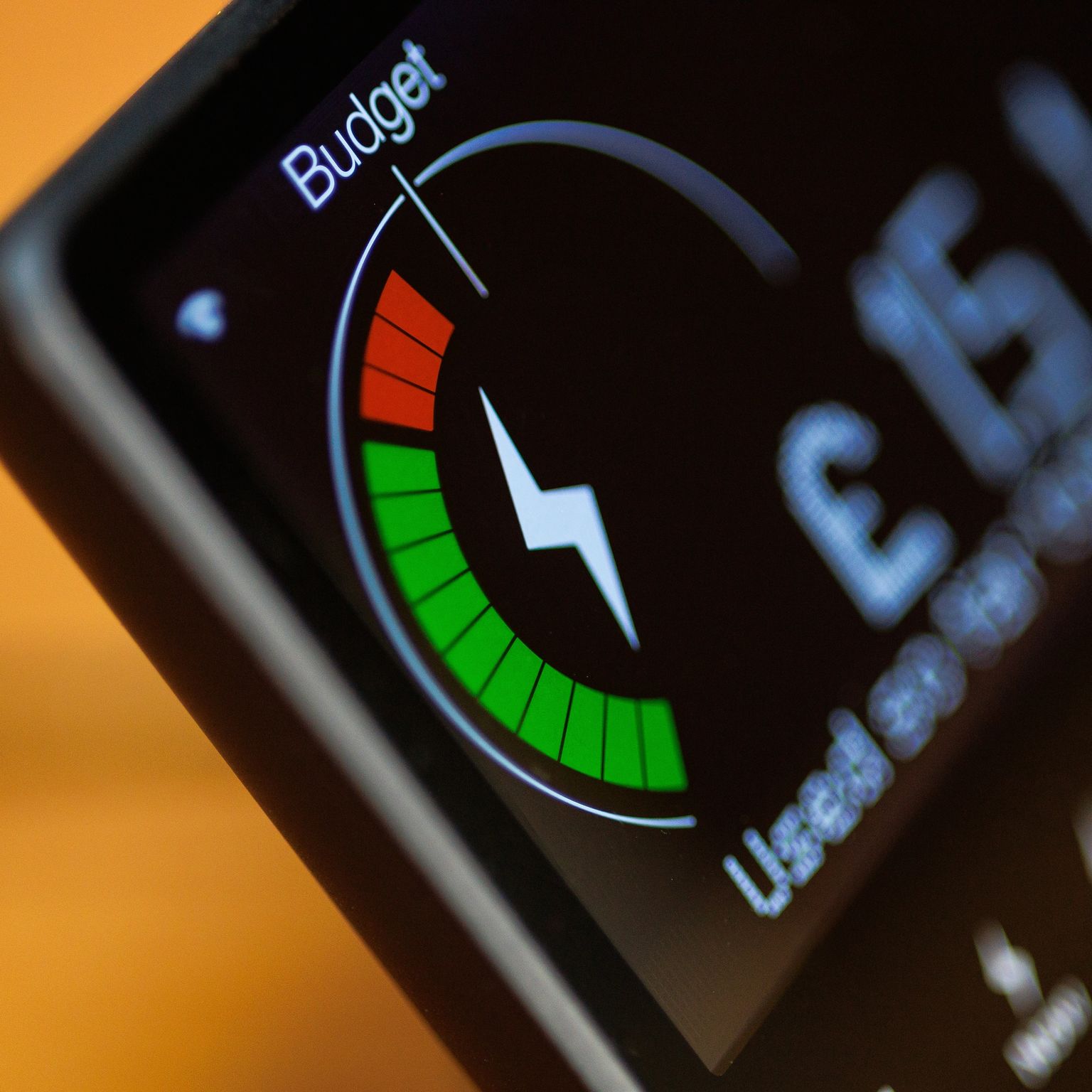
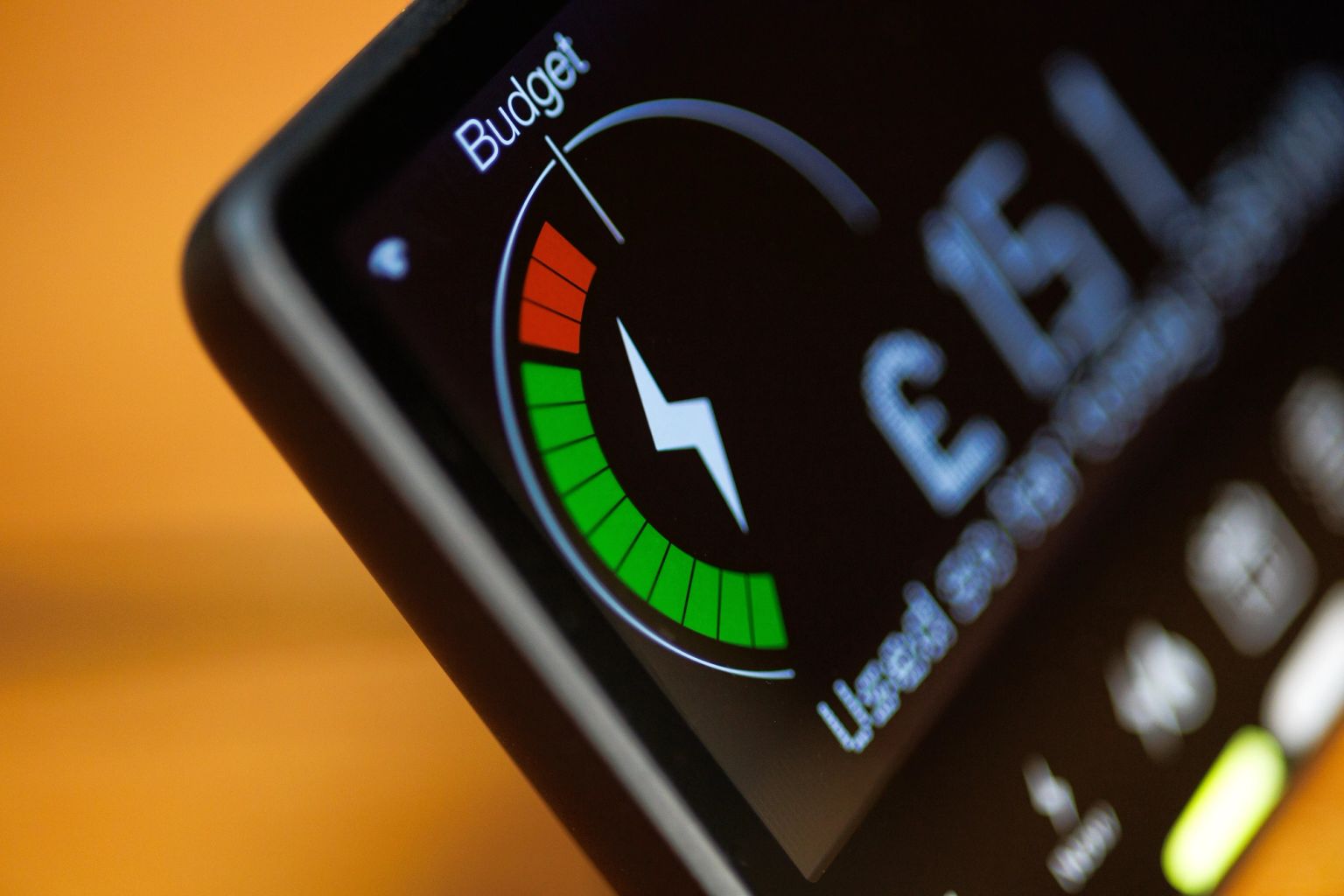
Close-up of a smart meter display showing energy consumption and budget tracking with a green and red meter gauge.

No more manual readings

Your new meter sends readings directly to your supplier, helping to save you time.
A person reviews paperwork and bills at a sunlit table, holding a pen above an open notebook next to a smartphone.

More accurate bills

Regular meter readings can help reduce estimated bills, so you pay for the energy you use.

Keep track of your energy use

Get a clearer view of your energy use, so you can understand and manage your running costs.

How to claim your £150 rent credit

There are just easy three steps.

1. Take a photo

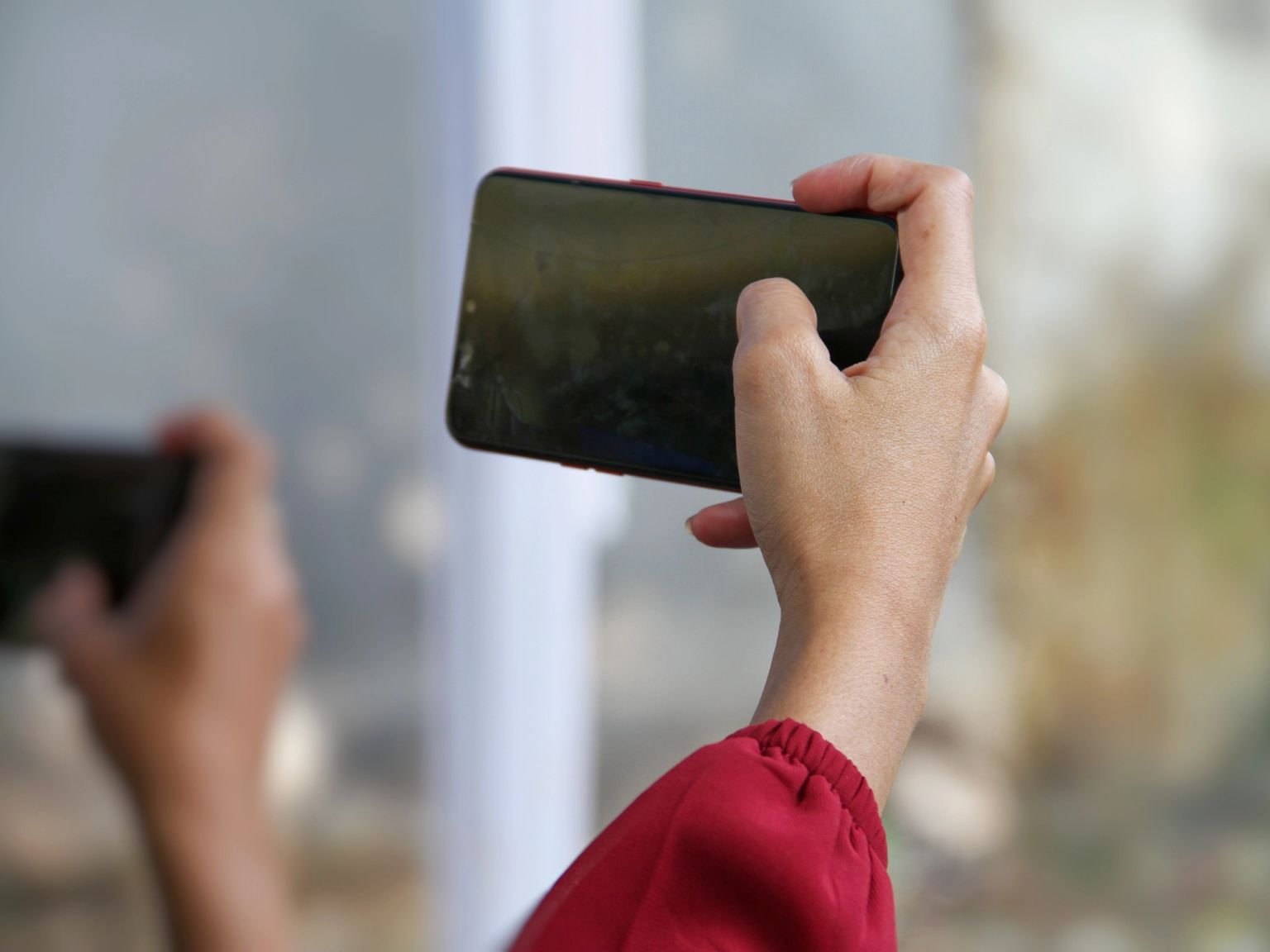
Before your meter is replaced, take a clear photo of your old meter showing the serial number and reading.


See our photo guide below.

2. Book your meter upgrade

Contact your existing energy supplier to arrange the meter upgrade.

3. Claim your £150 rent credit

Once the new meter has been fitted, reply to our email with the details below and your before and after photos.

How to take your photos

Your photos need to clearly show which meter belongs to which unit.

Take a clear photo

Make sure:
  • The whole meter is visible
  • The image is clear and in focus
  • The meter reading can be read
  • The serial number can be read
  • There is enough light to see the details

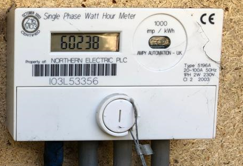
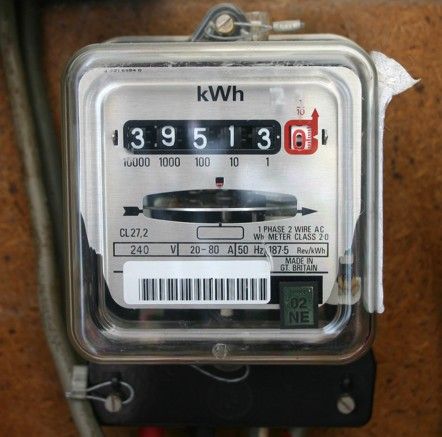
Good example

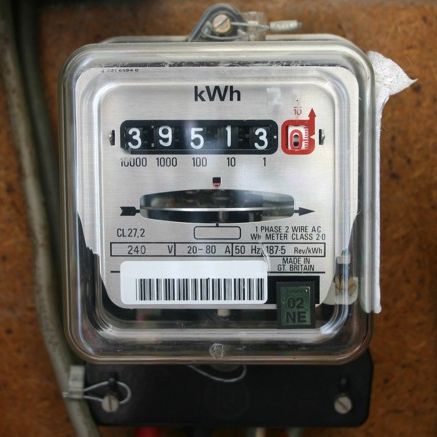
A clear photo showing the whole meter, serial number and meter reading.
1.The Entire Meter Is Visible including Meter reading (including all displays if available), Meter serial number (MSN) as well as the area surrounding the meter.
2.Good quality photo ensuring that the information displayed on the meter is visible – please check this after you have taken a photo.

Example 1

Example 2

Example 3

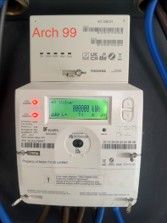
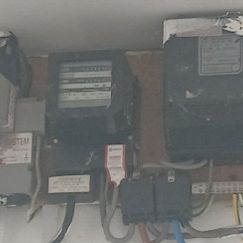
Bad example

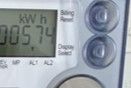
Photos that are blurry, too dark, cropped or make the meter details difficult to read.
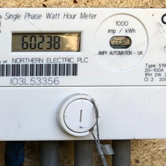
1.Blurry & Flash Reflection
2.Objects Blocking the Meter
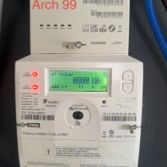
3.Not taking photos off all screens / displays
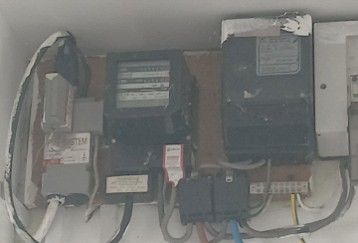
Old domestic electricity meter and fuse box setup mounted on a wall with exposed wiring.

Example 1

Example 2

Photographing meters for multiple units?

If you're submitting photos for more than one unit, label each photo with the correct unit or arch number.
For example:
Arch 247 - Old meter
Arch 247 - New meter
Arch 248 - Old meter
Arch 248 - New meter
If you know the rental space reference, you can include this too:
DEP02916 - Arch 247 - Old meter
DEP02916 - Arch 247 - New meter
This helps us match each meter and claim to the right unit.

Before you send your claim

Quickly check that:
✓ You've included before and after photos
✓ The meter readings are visible
✓ The serial numbers are visible
✓ Each photo is labelled with the correct unit
✓ You've included your trading name and unit address